A realistic Japanese city in Cities: Skylines II starts with the railway, not the roads. Place the station first, give it a station square with buses and taxis, put the highest density and the shops right around it, and let density fall off with walking distance. Keep streets narrow and mixed-use, run expressways above rivers or outside the centre, and finish with Japanese signage and details.
A Japanese city is one of the hardest things to build convincingly in Cities: Skylines II — and one of the most rewarding. The trick isn’t the buildings. It’s the order you build in: railway first, everything else around it. This guide collects the principles behind the channel’s Japanese builds and links to the step-by-step tutorials for each part.
Why Japanese cities work differently
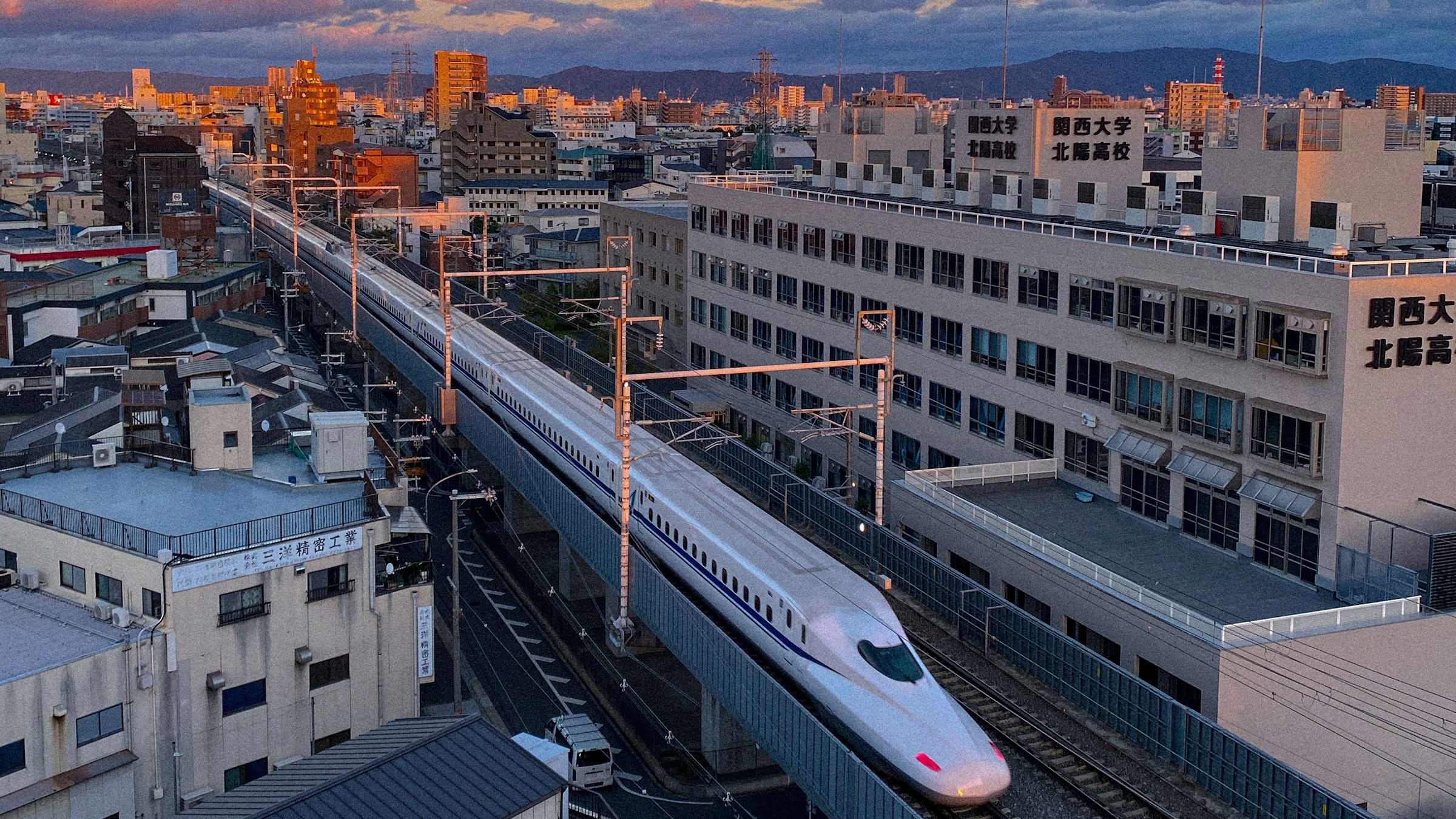
Most city builders start with a highway connection and zone along the roads. Japanese cities grew the other way round: private and national railways came first, and towns formed around their stations. The result is what planners call transit-oriented development — dense, walkable districts where the station, not the car park, is the centre.
| Element | In Japan | In Cities: Skylines II |
|---|---|---|
| Railway | Defines where districts are | Place stations before zoning |
| Station square | Bus terminal, taxis, shops | A small plaza with bus bays at every main station |
| Density | Highest at the station, falling with distance | High density inside the walking radius, low-rise outside |
| Streets | Narrow, few arterials | Small blocks, narrow roads, pedestrian paths |
| Land use | Mixed — shops below, homes above | Mixed-use zoning around stations |
| Expressways | Elevated, often over rivers and canals | Elevated roads along rivers or outside the core |
1. Lay the railway first
Decide where the line runs before you zone a single block. A main line along the valley floor, a branch line to the next town, a freight spur to the port — the stations on these lines become your district centres. Project Shinano takes this to the extreme: no district is zoned before its station exists.
- Space stations so their walking catchments just touch.
- Leave room beside the tracks for a second line or a freight yard later.
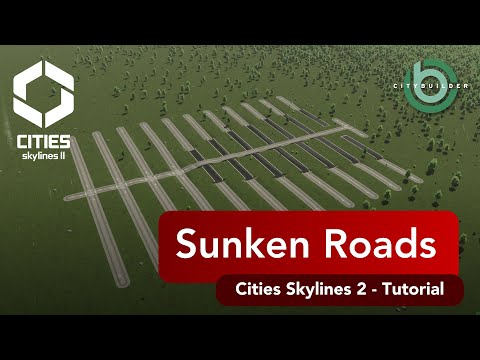
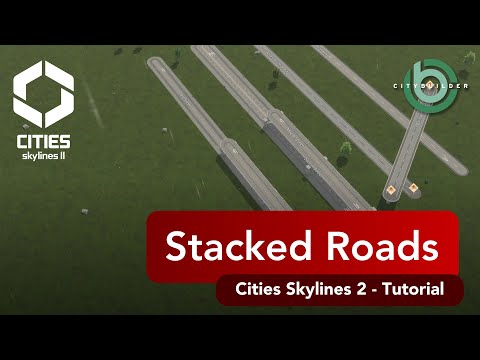
- Use stacked or sunken roads to cross the railway instead of level crossings in busy areas.
2. Build a station square
Every larger Japanese station has an ekimae — the station front. A compact plaza with a bus loop, a taxi rank and bicycle parking connects the trains to the rest of the city. In the game, this is also where your bus lines start and end, so the square doubles as the district’s transit hub.
From the square, a shōtengai — a covered or pedestrian shopping street — leads into the neighbourhood.
3. Let density fall with distance
Draw an imaginary circle of roughly 500–800 metres around each station.
- Inside the inner ring: high-density commercial, offices and apartment towers.
- Middle ring: mid-rise mixed-use — shops on the ground floor, flats above.
- Outer ring: low-rise homes on small lots, danchi estates, schools and parks.
- Beyond: farmland, forest and industry along the freight line.
This gradient is what makes a skyline read as Japanese from the air: towers clustered at the stations, a carpet of low houses in between.
4. Keep streets narrow and mixed
Japanese neighbourhoods have small blocks and narrow streets, many without separate sidewalks. Use the narrowest roads that still carry the traffic, and put the capacity on a few arterials and the railway instead. Japanese zoning is permissive — small shops, workshops and homes sit side by side — so mixed-use zones fit better than strictly separated districts.
5. Put expressways above, not through
Tokyo’s Shuto Expressway famously runs on viaducts over rivers and canals. In the game, an elevated road along a river keeps the ground free and looks right instantly — Horizon Springs EP 6 built a whole downtown under one. For new cities, keep urban highways outside the core and let the railway carry people into the centre. Use quay walls for the river channels underneath.
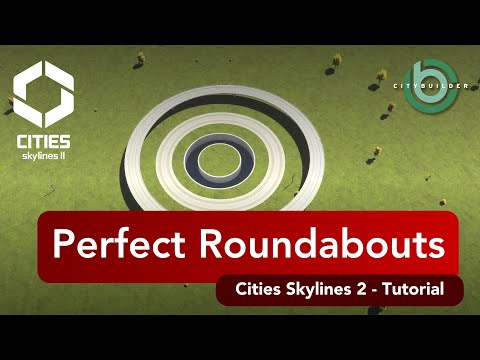
6. Junctions: signals over roundabouts
Japan has very few roundabouts. Most junctions are signalised crossroads, with grade separation where traffic is heavy. A roundabout still has its place in a busy game city, but signals and flyovers look more authentic.
7. Finish with the details
- Japanese buildings. Paradox released eight free Region Packs for Cities: Skylines II, one of them for Japan, with buildings inspired by real Japanese architecture. Install it from Paradox Mods and use it for the growables around your stations.
- Station signs in the ekimeihyō style, with station numbering.
- Overhead wires, vending machines, small shrines and parking towers — the clutter of a real Japanese street.
- Real references. The Atlas shows the real places behind the builds, from Nagano Station to the Mukojima Route.
The mods and assets used for this are listed on the Mod Stack page.
Where to see it
- Project Shinano — the new flagship, built station by station from November 2026.
- Takaoka and Shiroku — the earlier Japan-inspired cities.
- The JAPAN map series — how the channel started: real Japanese terrain and street maps.
FAQ
What makes a city look Japanese in Cities: Skylines II?
The layout more than the buildings: a railway station at the centre of every district, dense mixed-use blocks around it, narrow streets, a shopping street leading from the station and elevated expressways. Japanese-style assets and signage then do the rest.
Should I build roundabouts in a Japanese city?
Sparingly. Japan has very few roundabouts; most junctions are signalised crossroads. Use them where traffic needs them, but signals and grade separation look more authentic.
How far should homes be from a station?
Japanese planning works with walking catchments of roughly 500–800 metres around a station. Put the highest density inside that radius and lower density further out.
Do I need mods to build a Japanese city in Cities: Skylines II?
The layout principles work in vanilla, and the free Japan Region Pack from Paradox adds Japanese-style buildings. Mods help with narrow roads, signage and lane control — the current list is on the Mod Stack page.