Sunken roads in Cities: Skylines II use negative elevation: lower the road tool below ground before drawing. A small negative value builds an open cutting with walls, a larger one turns into a tunnel. Sunken highways keep noise and clutter out of walkable districts — and leave the surface free for streets and parks.
Sunken roads are the quiet alternative to elevated highways. Instead of lifting traffic over the city, you put it in a cutting below street level, out of sight and much quieter. This tutorial shows what Cities: Skylines II can do with negative elevation and where it stops.
Lowering the road tool
Sunken roads use the same elevation control as elevated roads, just in the other direction:
- Lower the tool below zero before drawing (default key Page Down).
- The tooltip shows the negative height.
- Keep the same elevation along the sunken section and change it only at the ramps.
Cutting or tunnel?
| Depth | Result | Good for |
|---|---|---|
| Slightly negative | Open cutting with retaining walls | Arterials and highways through dense districts |
| Deeper | Tunnel | Crossing under rivers, hills, stations or squares |
A cutting is open to the sky, cheaper to look at and still visible from above. A tunnel disappears completely.
Where sunken roads shine
- Through dense districts. Traffic stays below the street grid, so the surface remains walkable and crossable. Bridges over the cutting connect both sides.
- Under station squares. Buses and taxis use the square above while through-traffic passes underneath.
- At junctions. A sunken main road with a ground-level roundabout above it is one of the most compact ways to separate through-traffic from local traffic. See roundabouts.
- Next to homes. A cutting keeps noise down far better than a viaduct.
Sunken or elevated?
| Sunken | Elevated | |
|---|---|---|
| Noise | Low | Carries far |
| Space at ground level | Bridges needed to cross | Free underneath |
| Look | Hidden | Dramatic, very visible |
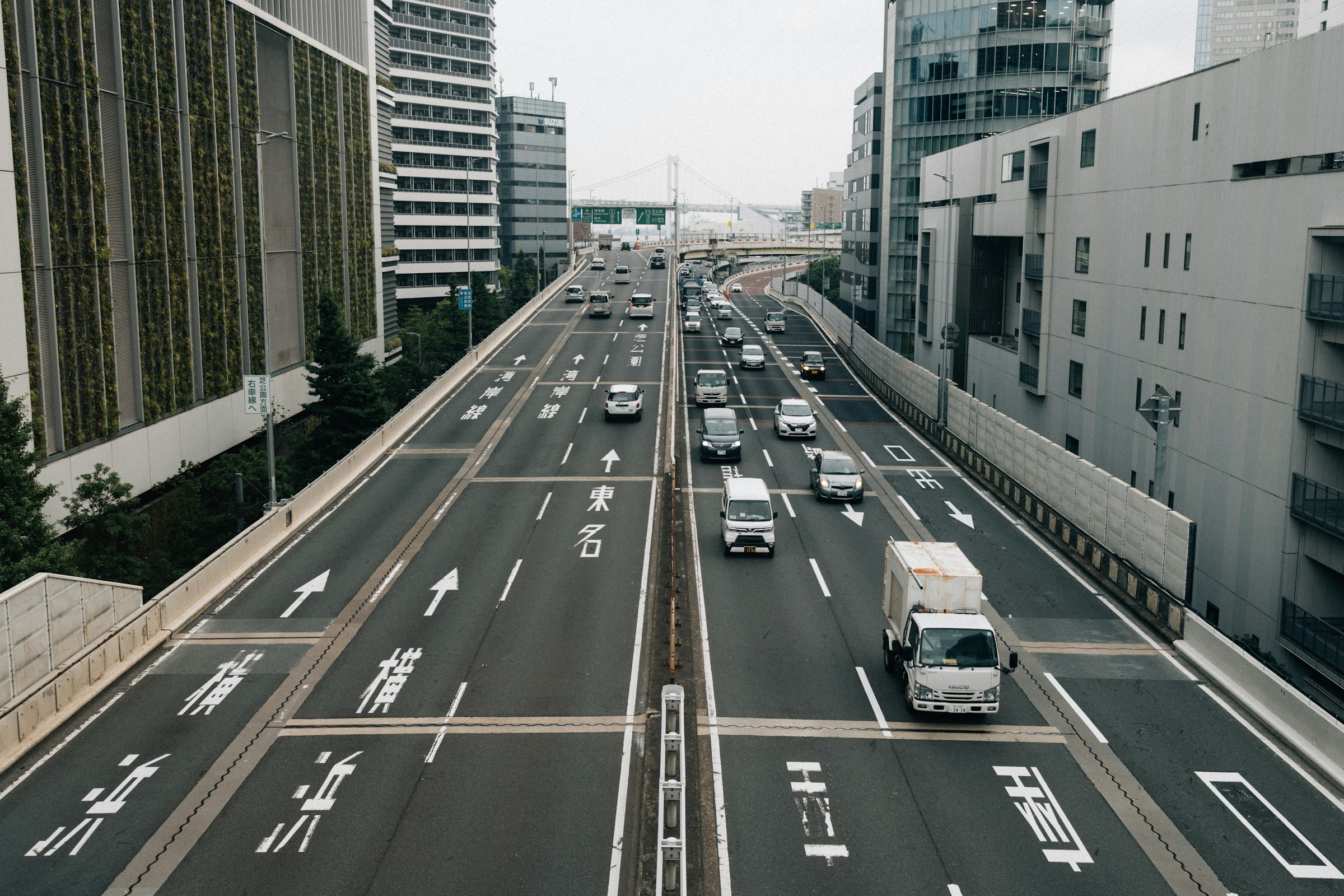
| Japanese reference | Some urban expressways run in cuttings | Shuto Expressway viaducts |
In a Japanese-style build, both have their place: viaducts over rivers and rail, cuttings through residential areas.
Limits to know
The video covers what was possible in December 2023: junctions between sunken roads, entries and exits and some combinations still need careful placement. Test complex layouts in a copy of your save before you rebuild a whole district around them.
Common problems
The cutting looks too deep. Go up an elevation step. A shallow cutting often looks more natural.
Water reaches the cutting. The road sits lower than a nearby river or coast. Keep a margin to the water or go deeper into a tunnel.
Buildings along the cutting disappear. Zoning along a sunken road has no access to it. Give those blocks a parallel street at ground level.
Related videos
- Elevated Roads in Cities Skylines 2 (2:41)
- Stacked Roads and Highways in Cities Skylines 2 (2:43)
- THE Perfect Roundabouts in Cities Skylines 2 (1:58)
FAQ
How do I build a sunken road in Cities: Skylines II?
Select the road tool, lower the elevation below zero (default key Page Down) and draw. The tooltip shows the negative height.
What's the difference between a sunken road and a tunnel?
A sunken road sits in an open cutting with retaining walls. Lower it further and the game builds a covered tunnel instead.
Can I build a roundabout on a sunken road?
Yes — keep the whole ring at the same negative elevation. The roundabout tutorial shows it on sunken, regular and elevated roads.
Are sunken roads quieter than elevated roads?
Yes. A road in a cutting keeps noise much more local than a viaduct, which is why sunken roads suit residential areas.
Can buildings be accessed from a sunken road?
No. Zoning along a cutting has no access to it — give those blocks a parallel street at ground level.