Elevated roads in Cities: Skylines II are set before you draw: raise the road tool in elevation steps, then place the segment. Small steps give embankments and low bridges, higher steps give roads on pillars. Keep straight runs and long ramps for viaducts that look and drive like the real thing.
Elevated roads are the first thing to understand about road mechanics in Cities: Skylines II. Every road has a height relative to the terrain, and the game decides what to build (an embankment, a bridge or a viaduct on pillars) from that height. This beginner’s guide explains the elevation steps and how to plan viaducts that look and drive like the real thing.
Elevation is chosen before you draw
You set the height while the road tool is active, before placing the segment:
- Raise or lower the tool step by step (default keys Page Up / Page Down).
- The tooltip next to the cursor shows the current elevation: positive above ground, negative below.
- The step size can be changed in the tool options for finer control.
Changing the height of an existing road means drawing it again over the old one at the new elevation.
What each step builds
| Elevation | What the game builds |
|---|---|
| Ground level | A normal road following the terrain |
| Low positive | A raised road on an embankment, or a short bridge |
| Higher positive | A road on pillars: a viaduct or flyover |
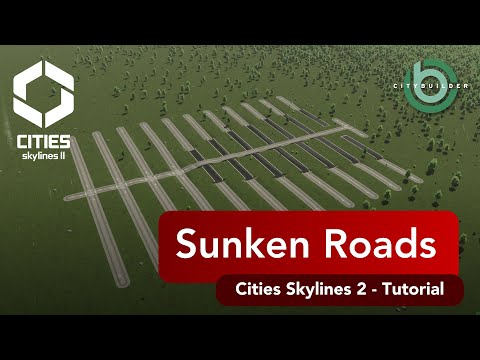
| Negative | A sunken road or tunnel — see sunken roads |
Planning clean viaducts
- Straight runs look best. Pillars follow the road, so tight curves produce crowded, awkward supports.
- Keep one height along the elevated section and change it only at the ramps. A viaduct that bobs up and down looks wrong from every angle.
- Long ramps look realistic and keep traffic speed up. Steep, short ramps are the most common giveaway of a game-built highway.
- Leave room for the pillars. Anything under the viaduct, such as roads, rail or buildings, needs space between supports.
Use the space underneath
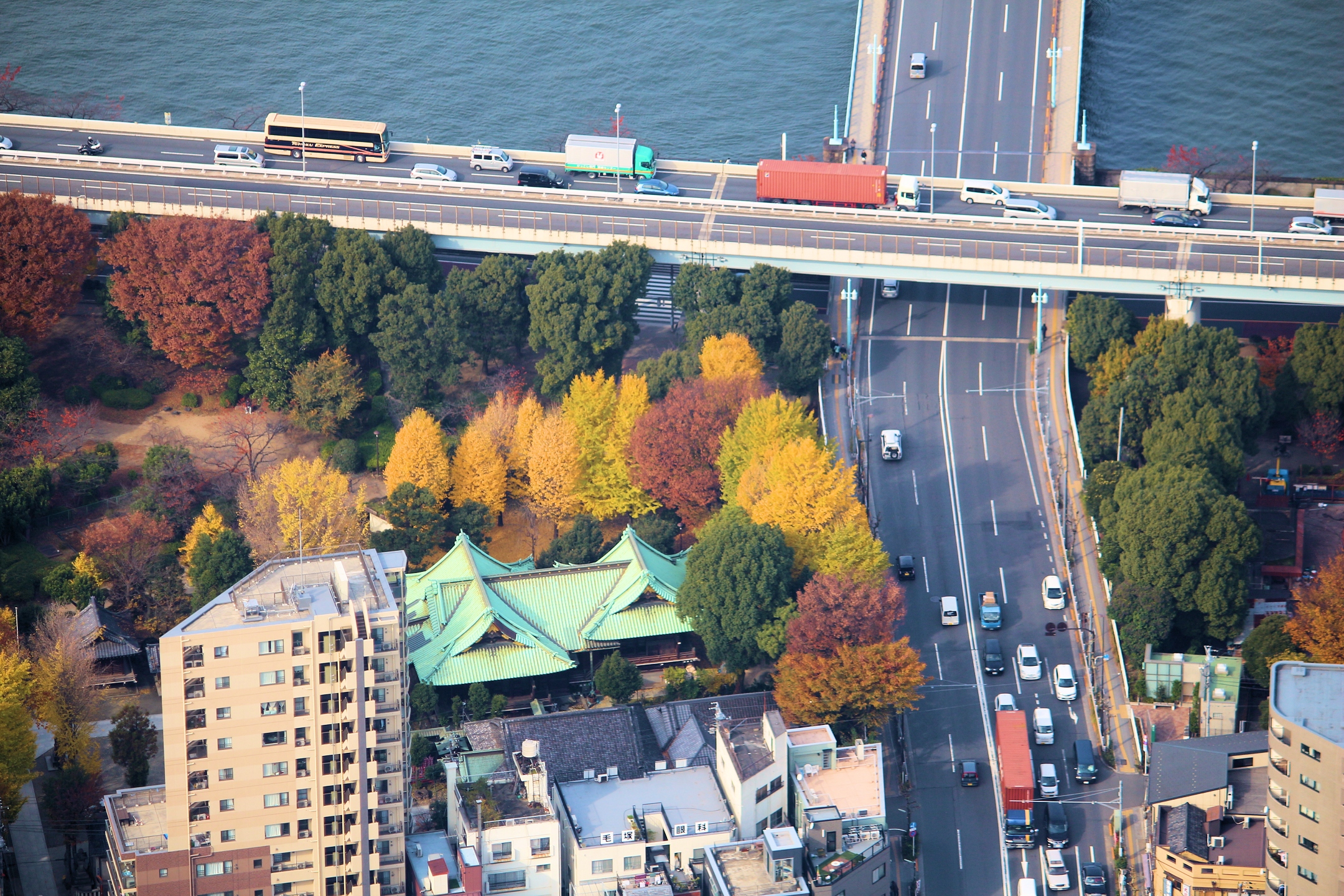
The best reason to elevate a road is what it leaves free below. Rail lines, rivers, parking and shopping streets can all run underneath. That’s the classic image of a Japanese urban expressway: Tokyo’s Shuto Expressway runs on viaducts above rivers and canals for long stretches. Horizon Springs EP 6 built a whole riverside downtown under one.
When not to elevate
- Short hops. A viaduct for a few hundred metres often looks odd. A cutting or a ground-level road may fit better.
- Next to low-rise homes. Elevated roads carry noise further. Put them along rivers, rail lines or industry.
- Where you need junctions. Every junction on a viaduct needs ramps. If a road needs many connections, keep it on the ground.
Common problems
The road won’t place. The pillars would land on something: a building, another road or water that’s too deep. Move the line slightly or remove the obstacle.
The viaduct has gaps or steps. Segments were drawn at different elevations. Redraw the section at one height.
Traffic slows on the ramp. The ramp is too steep or too short. Lengthen it.
Next steps
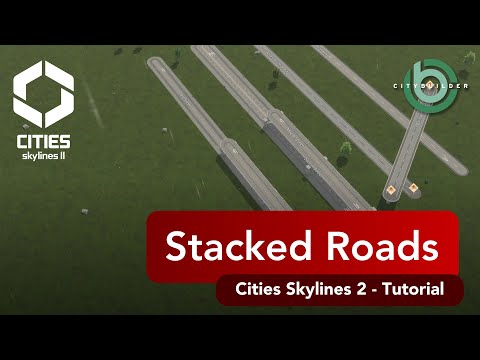
Once single elevated roads work, try stacked roads and highways, where two levels share one corridor. For the bigger picture, the Japanese cities guide shows where elevated expressways belong in a city.
Related videos
- Stacked Roads and Highways in Cities Skylines 2 (2:43)
- Sunken Roads and Highways in Cities Skylines 2 (6:37)
- Key walls /Fill roads in Cities Skylines 2 (4:05)
FAQ
How do I raise a road in Cities: Skylines II?
Select the road tool and change the elevation before you click — the default keys are Page Up and Page Down. The current height is shown next to the cursor.
Why does my elevated road look bumpy?
Usually because the ramp is too short or the elevation changes between segments. Keep one height along the viaduct and give ramps plenty of length.
Can I raise an existing road?
You redraw it at the new elevation over the old one. For a busy junction it's often quicker to rebuild it in one go.
Why won't my elevated road place in Cities: Skylines II?
Usually a pillar would land on something — a building, another road or deep water. Shift the line slightly or clear the spot.
Do elevated roads make more noise?
They carry noise further than ground-level roads. Route them along rivers, rail lines or industry rather than over quiet homes.