Quay walls in Cities: Skylines II come from roads, not from terraforming. Draw a road along the water, apply the quay or retaining wall upgrade on the side facing the water, and the game builds a straight embankment with fill behind it. It's the fastest way to clean harbours, canals and river promenades.
Quay walls, called “key walls” in the video, turn messy shorelines into straight, urban waterfronts. Real harbours, canals and city rivers are almost never natural banks; they’re walls. This tutorial shows the fastest technique in Cities: Skylines II: let a road build the wall for you.
The technique
- Draw a road along the shoreline where the wall should be.
- Open the road upgrades and choose the quay or retaining wall option.
- Apply it to the edge facing the water. The game builds the wall and fills the land behind it.
- Repeat along the shore and connect the segments smoothly.
That’s it. A straight harbour edge takes minutes instead of an hour of terraforming.
Why it beats terraforming
- Straight lines. The wall follows the road exactly. No hand-sculpting, no wobbly edges.
- Clean height. The land behind the wall is filled to the road’s height, so buildings sit level.
- Usable. The road on top becomes a promenade, a delivery street or a tram corridor.
Quay or retaining wall?
Quay is for water: harbours, canals, rivers. Retaining wall is for height differences on land: a road cut into a hillside, a terrace above a valley, the edge of a station platform area. Both are upgrades on the road, applied per side.
Where to use it
- Harbour fronts and canals in dense districts.
- River promenades, especially below an elevated road.
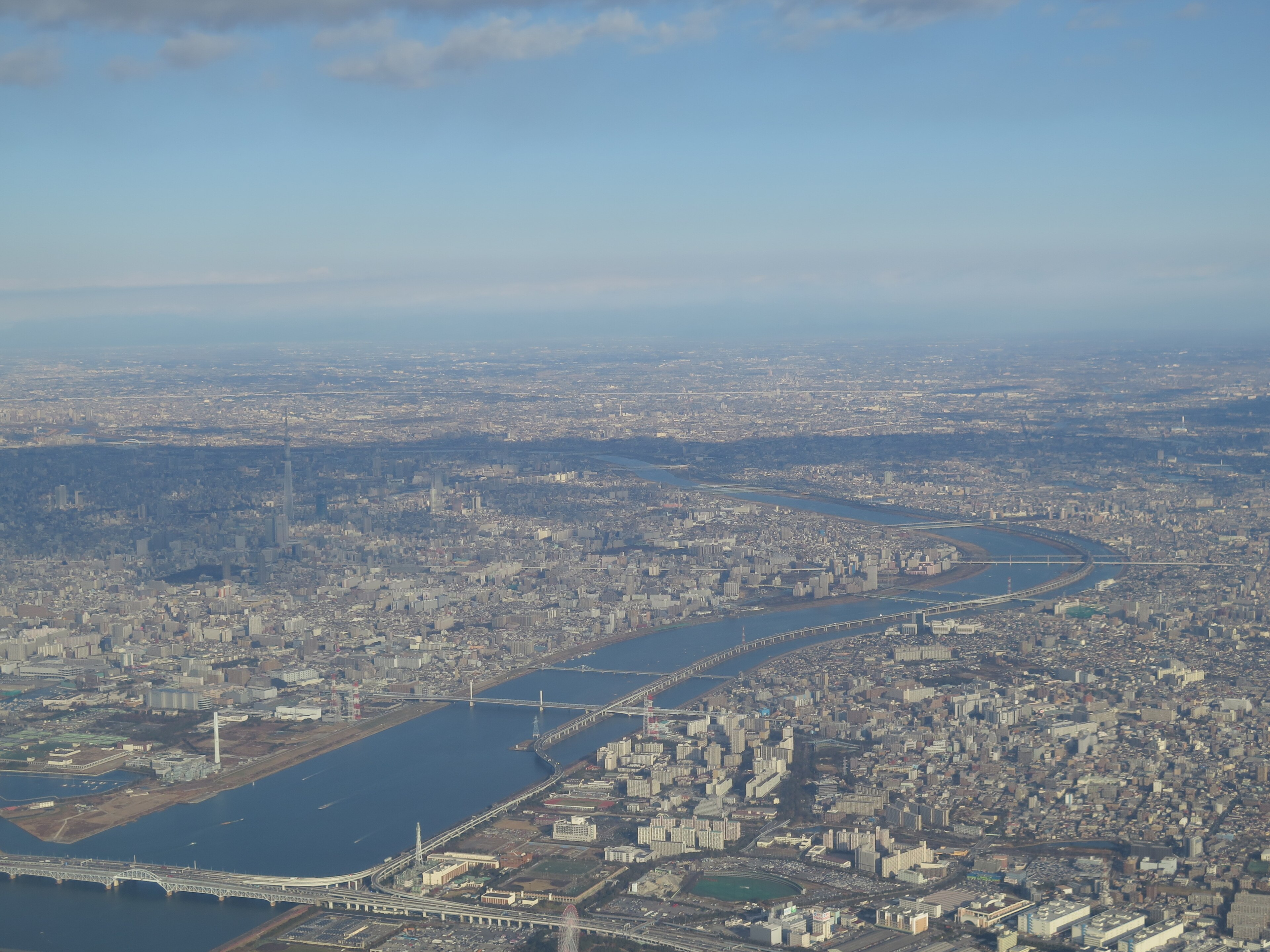
- Japanese-style river channels with walls on both sides and narrow streets along the top. Many Japanese city rivers look exactly like this.
Tips
- Plan the water level. Walls look best when the road sits a little above the water. Too high and the wall looks like a dam.
- Use quiet road types if the wall is mainly decoration. They add less traffic to the waterfront.
- Mix walls and natural banks. A city river with quays in the centre and natural banks further out reads as real.
Common problems
The fill looks lumpy behind the wall. The terrain behind was uneven. Level it once after placing the wall.
The wall looks broken at a curve. Very tight curves are hard to get clean. Use gentler curves or several short straight segments.
I want the wall without a road. The wall belongs to the road. If you delete the road, the wall goes with it. A pedestrian path or a narrow quiet street is the least intrusive option.
Related videos
FAQ
How do I make quay walls in Cities: Skylines II?
Draw a road along the shore, then use the road upgrade tool to add a quay or retaining wall on the water side. The game fills the land behind it.
Do I need mods for quay walls?
No. The technique in the video uses the vanilla road upgrades.
Can I remove the road afterwards?
The wall belongs to the road. If you delete the road, the wall goes with it — use a pedestrian path or a quiet street if you only want a promenade.
What's the difference between a quay and a retaining wall in Cities: Skylines II?
Both are road upgrades. A quay is for edges facing water; a retaining wall is for height differences on land, such as a road cut into a hillside.
Do quay walls work on curved roads?
Yes. Gentle curves give the cleanest walls; for tight bends, several short straight segments usually look better.