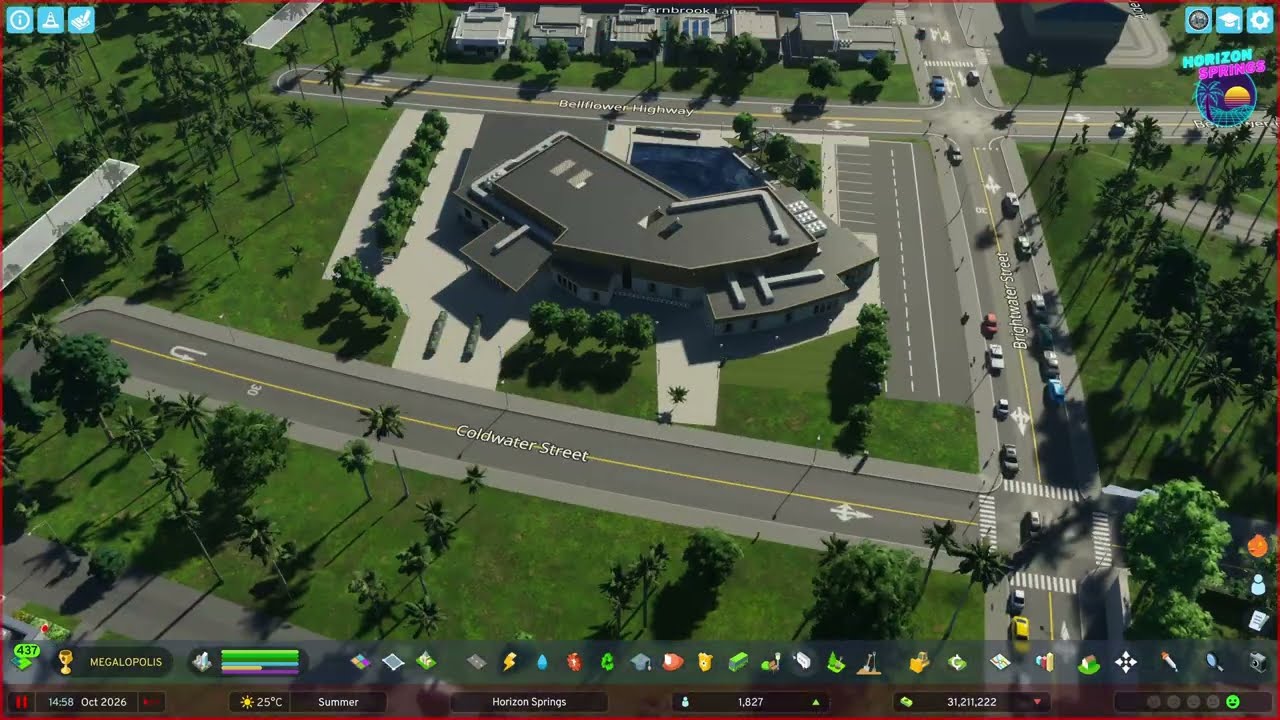
Tile 4 brings the town to the coast: a fishing harbour with deep-sea and shallow-water fishing areas, terraced residential blocks, a middle and a secondary school, a small office cluster, a beach parking lot with food stalls, a roadside motel and a hand-decorated campground — about 200 new residents in total.
What happens in this episode
Tile 4 of Horizon Springs takes the small town down to the coast: a fishing industry, more homes, some offices and shops, and a beach that people actually want to visit. By the end of the episode the population is up by roughly 200 — still not enough, but a start.
Before that, a fix suggested by a viewer: the parking lots next to the ore mine from episode 2 get redesigned with another layer of texture and fences, and the workers’ housing gets a final pass.
How it was built
A highway connection from the farms to the coast
The new tile needs a solid link from the farming area of episode 3 down to the coast. The main arterials go in first, then interchanges with dedicated turning lanes. The Traffic mod limits which turns cars can take at each junction.
The first fishing harbour
This is the first time I used the fishing harbour in Cities: Skylines II. I drew two fishing areas, one for deep-sea fish and one for shallow-water fish, and connected them so the boats know where they’re allowed to fish. A few warehouses and commercial buildings next to the harbour keep it from looking like a plain warehouse strip.
A terraced neighbourhood
The new residential area is landscaped in steps, so the blocks sit on different levels rather than on one flat pad. One block uses a single architectural style for a cohesive look. The next one mixes styles on purpose. A large parking lot, moved into place with Move It, serves the block, and plenty of trees separate it from the highway, even if trees don’t seem to reduce noise in the current game.
Schools and quay walls
The middle school refused to work at first: residents had no walking access. Deleting it and placing the same asset again fixed it, so it was most likely a game glitch. Quay walls along the roadside keep the terrain from sloping onto the road. When residential lots stayed empty, a secondary school followed so future residents can get the education the local businesses need.
A beach parking lot like the Pacific Coast Highway
The special project of this episode is a hand-built parking lot by the beach. The roads are levelled to one height, then come a lot of concrete texture, custom parking spaces and invisible net lanes, which were finicky because I didn’t want visible roads under the concrete. Food stalls and restrooms let visitors grab something before the beach, and streetlights and concrete barriers frame it the way the big beach lots north of Santa Monica do along the Pacific Coast Highway. A walkway runs around the lot, and a simple footbridge over the highway lets people from the town above reach the beach without a car. I don’t love how it looks yet, but it works. Next to the fishing harbour’s warehouses, a few sports amenities serve beach visitors.
Offices and a commercial strip without a grid
Office demand was high, but after 11 or 12 office buildings I stopped. That’s enough for a town of almost 2,000 people. A small commercial district follows, deliberately not on a grid, so it reads differently from the downtowns I built in earlier series. The plan for an invisible service road behind the shops didn’t work, so a few buildings moved and a custom parking lot went in behind them, with two- and three-space lots at the corner.
Wet sand, waves and palm trees
Between the beach parking lot and the sand I layered wet sand textures in thick, medium and thin variants for a soft transition to the grass, added wave overlays along the shore and invisible paths so people can walk on the sand. A line of palm trees finishes it. A two-lane gravel road is laid out as a reminder for a future connection.
A motel and a campground by the beach
There’s no hotel expansion in Cities: Skylines II yet, which I miss from the first game, so the hotel district uses one of the special North American motel buildings from the commercial zone, with its parking lots aligned exactly to the angle of the road next to it.
The campground gets a forestry ground texture for a browner look, a grid of custom paths dividing it into pitches, signage, benches and picnic tables, trailers and pickup trucks, barbecues and chairs, a playground with a slide and a playhouse, campground shelters used as bike sheds, and makeshift tents. Hedges give the campers some privacy from the beach. Palm trees, London planes and the largest tree in the game provide shade.
Video chapters
- 00:00Viewer fix: the ore mine parking lots
- 04:07Highway link to the coast and the fishing harbour
- 07:14Turning lanes and a terraced neighbourhood
- 13:29Middle school, quay walls, secondary school
- 19:47Beach parking lot with food stalls
- 26:57Footbridge, sports and an office cluster
- 30:00A commercial strip without a grid
- 36:10Wet sand, waves and palm trees
- 39:17Hotel district and a roadside motel
- 42:03Decorating the campground
Clicking a chapter starts the video above at that point.
FAQ
How does the fishing industry work in Cities: Skylines 2?
Place the fishing harbour on the coast and draw fishing areas in the water. This episode uses two: one for deep-sea fish and one for shallow-water fish. The boats then travel from the harbour to their assigned area.
Is there a hotel expansion in Cities: Skylines 2?
Not like Hotels & Retreats in the first game. For a beach hotel district I use the special motel and hotel-style buildings that can appear in commercial zones and place them by hand.
How do you make tents for a campground?
There are no proper camping tents in the base game. The makeshift tents work visually, although the game associates them with homelessness. Campground shelters, trailers, pickup trucks, barbecues and picnic tables do the rest.