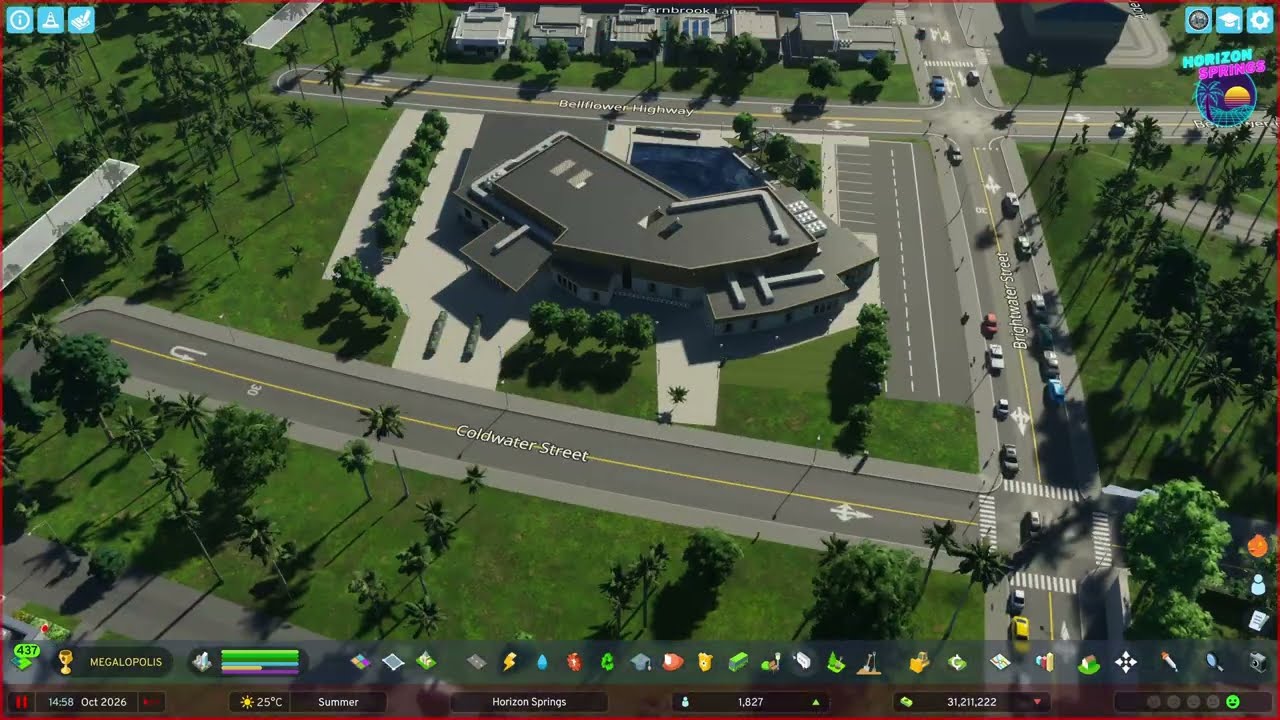
Tile 2 goes to industry: an ore mine north of Cedar Junction with landscaped terraces and rough textures, separated highway ramps for truck traffic, ore storage and manufacturing, a pass-through cargo rail station, hand-built parking lots, and a small row-home district for the workers.
What happens in this episode
The second tile in Horizon Springs is all about industry. North of Cedar Junction there’s an ore deposit, and the town from episode 1 needs income: at the start of this episode the budget still doesn’t break even. Before moving on, I go back over tile 1 with the decoration I’d missed: bushes and trees along the highway off-ramp, trash containers and props in the industrial zone, and different ground textures between buildings that read as informal parking.
How it was built
Marking the ore field with a road
I check the resource view once and lay a simple circle of road around the core of the deposit. From then on the road shows where the field is without switching views. A rural highway runs past the field, chosen for the best route for industrial traffic rather than the shortest, and a two-lane road branches off it.
Separated ramps instead of a T-junction
Rather than a 90-degree junction off the one-lane highway, the on- and off-ramps are separated. It spreads out the turning traffic and looks much more like a real rural interchange.
A terraced mine that looks worked
This time I landscaped the mine before placing the extraction area: small terraces cut into the slope. The mining vehicles don’t actually use them, but from above the mine looks real. The main building turned itself around at one point, so I deleted it, built the road layout first — a one-way loop back to the entrance — and placed the building again. An employee parking lot sits next to it, levelled with Move It so the road and lot heights match.
The ground uses a dark riverbed texture in an irregular shape around the mining area, blended into the map’s grass with a lighter riverbed texture. On steep terrain the texture stamps work better than brushes. Props finish it off: a stationary ore truck, equipment and portable toilets for the workers.
Ore storage, concrete barriers and parking
Demand stays high, so ore storage and manufacturing buildings follow (there are no ore-specific factories yet). Industrial areas get asphalt and concrete textures, and concrete barriers mark the edges of turns so drivers can read the layout. I used this technique all through the episode and it suits industrial areas very well. The mine itself has almost no parking, so extra lots go in along the alleys.
A cargo rail station for the ore
A pass-through cargo station from one of the expansions goes in on a flattened plot, so the industrial rail network can be extended later. It gets its own lane management, because once trains run, a lot of trucks will come and go there. The cargo routes are set up already, even though the line isn’t connected to a rail yard yet. That comes with the farming district in episode 3. A bridge carries the highway over the industrial tracks.
When net lanes don’t work
To link one parking lot I tried an invisible net lane, but the road connection didn’t register and the buildings lost electricity. I replaced it with a short one-way road and re-textured around it. In another spot, a two-way net lane drawn after stamping the textures by hand did work. Long parking lots were also out: the individual spaces were hard to see, so I switched to the smaller lots.
Row homes for the workers
Above the cargo terminal, a short road off the highway leads to a small district of medium-density row homes, each with a strip of garden, for the families who work in the mine and factories. It gets light decoration, because these families don’t have much money, plus small custom parking spots on concrete that the residents use heavily. A wind turbine was added to power the mine, the factories and the rail yard. The farmland comes next.
Video chapters
- 00:00Finishing touches on tile 1
- 03:03Marking the ore field, separated ramps
- 07:51Terraces and the mine entrance
- 13:54Ore storage, concrete and parking
- 19:05Riverbed textures and a cargo rail station
- 24:43More industry, breaking even
- 31:50Highway extension and larger plants
- 41:43Net lanes and the cargo terminal
- 44:44Row homes for the workers
Clicking a chapter starts the video above at that point.
FAQ
How do you find the ore deposit in Cities: Skylines 2?
Open the natural resources info view once and lay a simple circle of road around the deposit. The road marks the area, so you don't have to keep switching info views while you build.
Do mining trucks use landscaped terraces?
No. The terraces in this episode are purely visual — the mining vehicles ignore them. They still make the mine look far more convincing from above.
Why separate highway on- and off-ramps?
Splitting the ramps spreads out the turning traffic and avoids a single 90-degree junction on the rural highway. It also simply looks more like a real road.