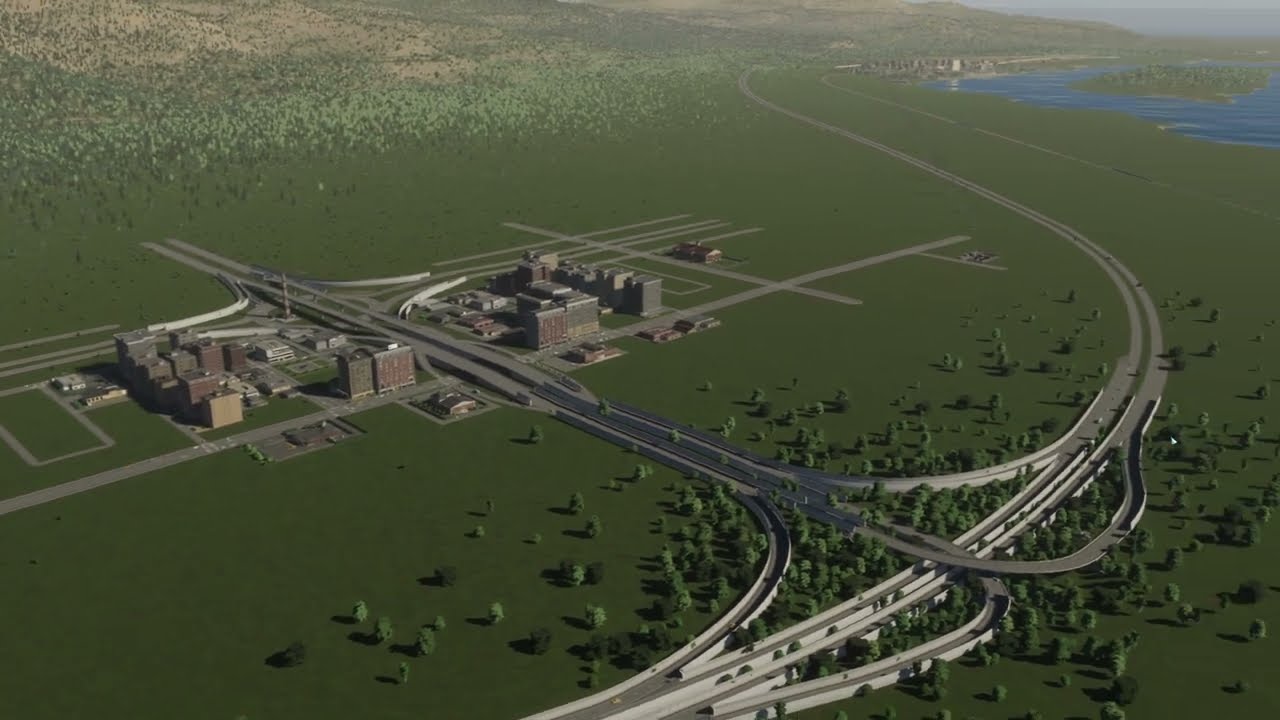
Episode 2 turns Shiroku into a small seaside town: a crematorium instead of a huge cemetery, fire and police stations squeezed in with the footpath trick, level crossings like in rural Japan, a landscaped beach painted with sand textures, a beach-house community on a one-way road — and the Grand Village milestone.
What happens in this episode
After the first episode I was honestly annoyed with Cities: Skylines II. I even rebuilt Shiroku in the first game to compare and was surprised how fast it ran. What I missed there were the road tools. Two hearts beat in my chest. So I came back to build a Japanese-inspired seaside town with what the game offered at the time.
How it was built
A crematorium, not a cemetery
The first development point goes into the crematorium. Hearses will be needed soon, and the vanilla cemetery is far too big for a small Japanese town. It doesn’t fit next to the highway, so it sits in a temporary spot for now. A recycling centre has to wait; a landfill does the job until then.
Squeezing in big service buildings
Elementary schools, fire stations and police stations are all far too big for a small town, and I kept wishing for smaller versions. The footpath trick from episode 1 helps: place a footpath to shape the buildable area, put the building in, then delete the path. That way the fire station and police station fit between the houses. Industry and medium-density homes fill the remaining space to meet demand.
Level crossings
Roads cross the railway at grade. In rural Japan that’s completely normal: outside the Shinkansen lines, small towns rarely build overpasses to keep trains fast. Large Village unlocks service budgets, livestock farming, stone mining, fire, police and administration buildings, plus development points and expansion permits. I save the permits until the starting tile is mostly finished.
Noise is still an issue next to the highway. In the first game, greenery used to block some of the noise; in Cities: Skylines II that doesn’t seem to work.
Shaping the beach
The main project is a beach town feel. The first attempt at painting sand looked bad from far away but surprisingly fine up close. So the shoreline is landscaped first, with the level tool at a smaller brush size and a gentle slope, then the sand texture is pushed out until it covers the grass. It’s not perfectly polished, but it reads as a beach, and people started walking along it straight away.
Mods at that time weren’t as easy as in the first game. The game crashed when I tried to add decals, and a staircase down to the beach that I wanted just wouldn’t work.
Beach houses and the next steps
A small beach-house community goes in along a one-way road, with a little commercial centre nearby. The plot for the first train station stays reserved. Grand Village brings policies, districts, low-rent housing, low-density offices, farming and forestry, a bus depot and parks, plus enough money and permits to buy six more tiles and plan bigger.
Video chapters
- 00:00CS1 vs CS2: speed versus road tools
- 04:11A crematorium instead of a cemetery
- 08:29Level crossings and Large Village
- 13:05Fire and police, filling the gaps
- 17:47Starting the beach with sand textures
- 27:26Landscaping the shoreline
- 32:58Mods, a crash and a missing staircase
- 43:15A beach-house community
- 47:41Grand Village and the next tiles
Clicking a chapter starts the video above at that point.
FAQ
Can you avoid building a cemetery in Cities: Skylines 2?
Yes. Unlock the crematorium with a development point and use it instead. The vanilla cemeteries are huge and don't suit a small Japanese town.
Do Japanese rural towns use level crossings?
Very often. Outside the Shinkansen lines, small towns rarely bother with overpasses, so roads simply cross the tracks — which also works well in Cities: Skylines II.
How do you make a beach in Cities: Skylines 2?
Landscape the shoreline with the terrain tools first (smaller brush, gentle slope), then paint sand textures over the grass. Up close it can look rough, but from normal camera heights it reads as a beach.