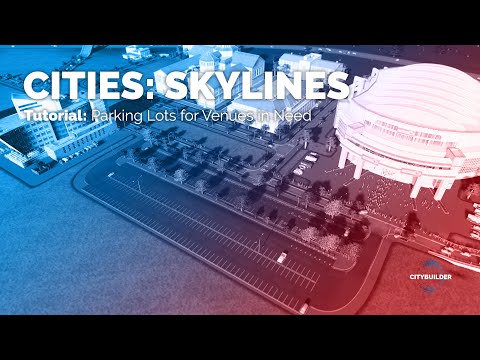
Parallel roads in Cities: Skylines are quick with the Network Multitool: open it from UnifiedUI, choose the create parallel road function, select the first node of an existing road, set the distance and confirm with Enter. If the distance keys do nothing, reconfigure the key binding. Any road type can be the parallel road.
準備 · What you need
- Network Multitool ↗
- UnifiedUI ↗ — one toolbar for the mods' buttons
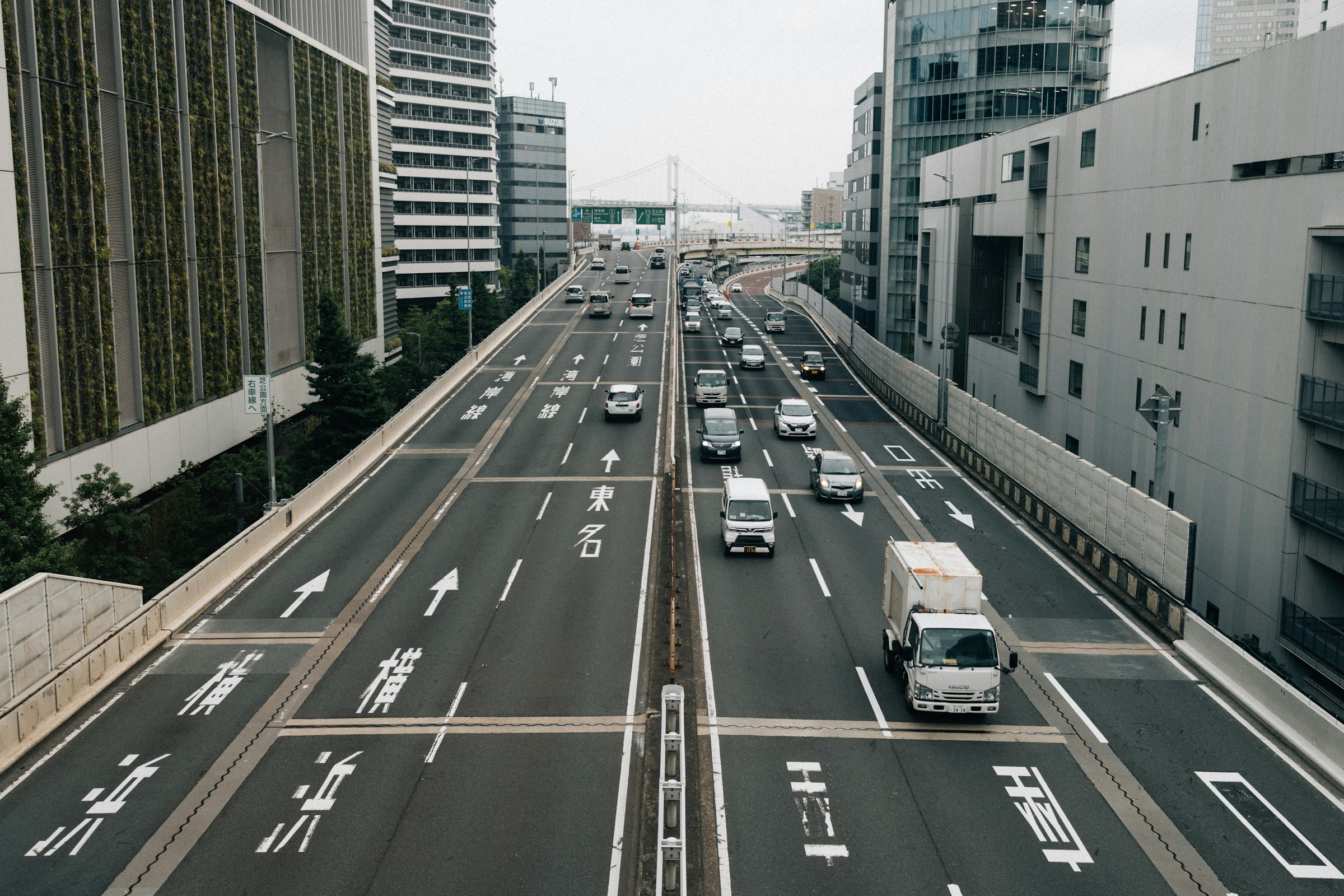
Parallel roads are everywhere in real cities: frontage roads along highways, service roads beside arterials, double carriageways, tram streets next to main roads. Drawing them by hand with the right spacing is fiddly, and a few metres off is enough to look wrong. The Network Multitool builds them in a few clicks.
What you need
- Network Multitool, the mod that adds the parallel road function and several other network tools.
- UnifiedUI, which puts the buttons of many mods into one toolbar (1:04).
Step by step
- Open the Network Multitool (0:23) from the UnifiedUI toolbar.
- Choose the create parallel road function (1:20).
- Select the first node of the existing road (1:25). The tool follows the road from there.
- Set the distance with the keys shown in the tool. If nothing happens, reconfigure the key binding in the mod options (1:44). Another mod or a game setting often uses the same key.
- Press Return to confirm (2:42).
Using different road types
The parallel road doesn’t have to match the original (3:00). Pick another road type before confirming. Typical combinations:
| Original | Parallel road | Result |
|---|---|---|
| Highway | Two-lane road | Frontage or service road |
| Main road | Tram road | Tram street beside an arterial |
| Main road | Pedestrian path | Promenade or riverside walk |
| One-way road | One-way road (opposite) | A split carriageway |
Basic versus Ground
The Basic and Ground settings (4:39) decide how the new road follows height. One keeps the parallel road at the same elevation as the original, the other drops it to the terrain. On flat land there’s no difference. On a slope or next to an elevated road, it decides whether you get a second viaduct or a road at ground level. Try both on a hillside to see it.
Where parallel roads help
- Highway frontage roads collect local traffic so the highway itself has fewer exits.
- Service roads behind shopping streets keep delivery trucks off the main road.
- Split carriageways give you room for a tram line or trees down the middle.
Common problems
The distance won’t change. Key binding conflict. Change it in the mod’s options.
The new road crosses buildings. The tool doesn’t bulldoze. Clear the strip first, or reduce the distance.
Junctions don’t connect. Parallel roads are separate segments. Connect them at intersections yourself, or leave them unconnected for a true frontage road.
Video chapters
- 0:00Intro
- 0:23Network Multitool
- 1:04Using the UnifiedUI
- 1:20The create parallel road function
- 1:25Selecting the first node
- 1:44If the distance increase doesn't work, reconfigure the key binding
- 2:42Press Return to confirm the parallel road
- 3:00Using different road types as parallel roads
- 4:39Basic versus Ground settings
Clicking a chapter starts the video above at that point.
FAQ
How do I make parallel roads in Cities: Skylines?
With the Network Multitool mod: select the parallel road function, click the first node of the existing road, set the distance and press Enter to confirm.
Why doesn't the distance change when I press the keys?
The default key binding can clash with other mods or settings. Reconfigure it in the mod options.
Can the parallel road be a different type?
Yes. Select another road type before confirming — for example a service road next to a highway.
Is there a parallel road tool in Cities: Skylines II?
In CS2, Road Builder lets you build combined cross-sections — for example a road with a tram line or a service lane built in — which covers many of the same uses. It is part of the channel's CS2 Mod Stack.
What is UnifiedUI?
A CS1 mod that collects the buttons of many other mods into one toolbar, so the screen doesn't fill up with icons.