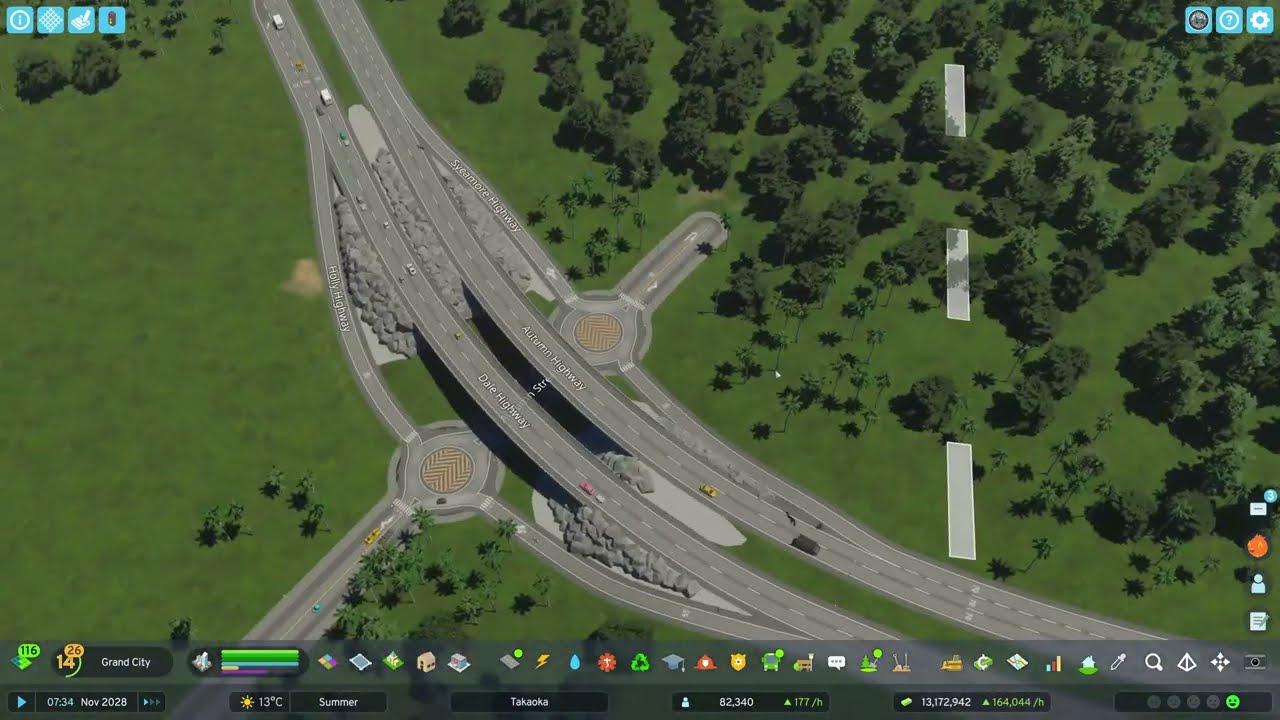
The start of Takaoka, the channel's most-watched episode: the Samui map moved to Japanese latitudes, left-hand traffic and no unlimited money under Economy 2.0, a careful read of resources, wind and contour lines, a Japanese-style grid of 112/224 m blocks split by alleys, industry downwind — and an island city that turns a profit by Large Village.
What happens in this episode
Takaoka began after months away from YouTube. I’d been frustrated with Cities: Skylines II and switched back and forth with the first game. The map is Samui by its original creator, which I love, with one change in the editor: latitude and longitude moved to a stretch of Japanese coast south of Kyoto and Osaka, so the weather and seasons feel Japanese. Renamed to Takaoka, it’s basically Samui moved to Japan.
The settings: North American theme (there’s no full Japanese theme, even though the Japan region pack is great), left-hand traffic because a Japanese city needs it, no unlocked tiles, no unlimited money, no disasters. The Economy 2.0 update had made it harder to get out of debt, so the city has to be planned before building.
How it was built
Read the map first
The natural resources view shows fertile land almost everywhere, a few oil deposits (not needed yet) and ore spread across the map. Since Economy 2.0, ore deposits can be mined for both ore and coal. Stone and livestock work anywhere, and forestry wherever there are trees. Trees are the only resource you can add later yourself.
The water pollution view shows wind direction, groundwater and surface flow. Groundwater is plentiful, so water doesn’t have to come from the sea. The wind decides the layout: homes go on the flat land, industry where the wind carries pollution away from them. The starting tile is unusually large, plenty for a long time.
To read the terrain, switch on the topography contour lines in any tool: the white line is sea level, each darker line is 10 m of height, and the closer the lines, the steeper the slope.
One road along the shore
Roads already on the map are free as long as you don’t modify them; every new road costs money. The first new road follows the shoreline using the outer markings of the road tool, so it never touches the water line. Curving it everywhere was a mistake, because a grid needs straight lines, so parts were straightened again.
A Japanese-style grid
North American grids are perfect squares. In Japan, as I’ve experienced it, grids are often divided by tiny alleys. So the main grid is 224 m, with 112 m half-blocks and alleys splitting the larger blocks. Small blocks are good at the start, and the small roads can be deleted later when buildings grow. A few blocks deliberately break the grid where the shoreline or terrain suggests it, because real cities follow the landscape.
My advice: decide what your main grid is. If you go too far off-grid, the city loses visual direction, and Cities: Skylines handles grids best, since they’re easy to upgrade. Grids aren’t just North American, by the way; the Romans were building them long before.
Two road-tool tricks: to hit the exact centre of another road, turn on snap to 90° and snap to guidelines. To smooth sharp corners, use the curved road tool between the two roads. To replace only the middle of a two-lane road with a four-lane road, turn off snap to zoning cell length.
Arterials, the bridge and power
Four-lane roads carry traffic through the future downtown and connect smoothly to the highway, with a separate connection to the industrial area that may become a country road. By this point, about 107k had gone into roads. Wind turbines go up in the hills, where the wind view shows the most megawatts, and a sewage outlet is unavoidable at the start. Milestone 1 came immediately, and the first development points went to the crematorium and then the water treatment plant, earlier than most builders unlock it.
Zoning and profit
I don’t like the row houses, so low-density and the Japanese commercial buildings come first. The Japanese buildings fill more slowly than the North American ones, but the city still turned a profit quickly. Mid-density follows later. One embarrassing mistake: a set of roads had been built as tunnels by accident, which broke connections and probably caused a crash. Re-laying them fixed it, and a tiny quay promenade was added with the replace tool.
Large Village unlocks the geothermal power plant. It’s still too expensive, but it’s part of the plan for a city on renewables. The island is big enough for a railway with local trains and high-speed trains crossing it, and a downtown is planned for the centre. The railway arrives in episode 4.
Video chapters
- 00:00Why Takaoka: Samui moved to Japan
- 04:28Settings: left-hand traffic, no cheats
- 08:30Reading resources and wind direction
- 12:34Contour lines and the shoreline road
- 16:43A Japanese grid with alleys
- 26:42Pick a main grid, then break it
- 35:23Four-lane arterials and the bridge
- 45:36Power, sewage and the first milestone
- 50:40Zoning, Japanese commercial, profit
- 63:58The accidental tunnel roads
- 68:30Large Village and a sustainable plan
Clicking a chapter starts the video above at that point.
FAQ
How should you start a new city in Cities: Skylines 2?
Read the map before building: natural resources, wind direction (in the water pollution view), groundwater and the contour lines. Put homes on flat land upwind, industry downwind, follow the shoreline with one road, and use the map's existing roads — they're free — before spending on new ones.
What grid size works for a Japanese-style city in Cities: Skylines 2?
I use a main grid of 224 m with 112 m half-blocks, then split the larger blocks with alleys. Japanese grids are often divided by narrow lanes, and you can delete those small roads later when buildings get bigger.
How do you see the wind direction in Cities: Skylines 2?
Open the water pollution info view — it shows wind direction, groundwater and surface flow. Wind speed and direction decide where industry can go without polluting your homes.
How do you replace part of a two-lane road with a four-lane road?
Turn off 'snap to zoning cell length' in the road tool. Then you can replace just the middle section you need instead of rebuilding the whole street.