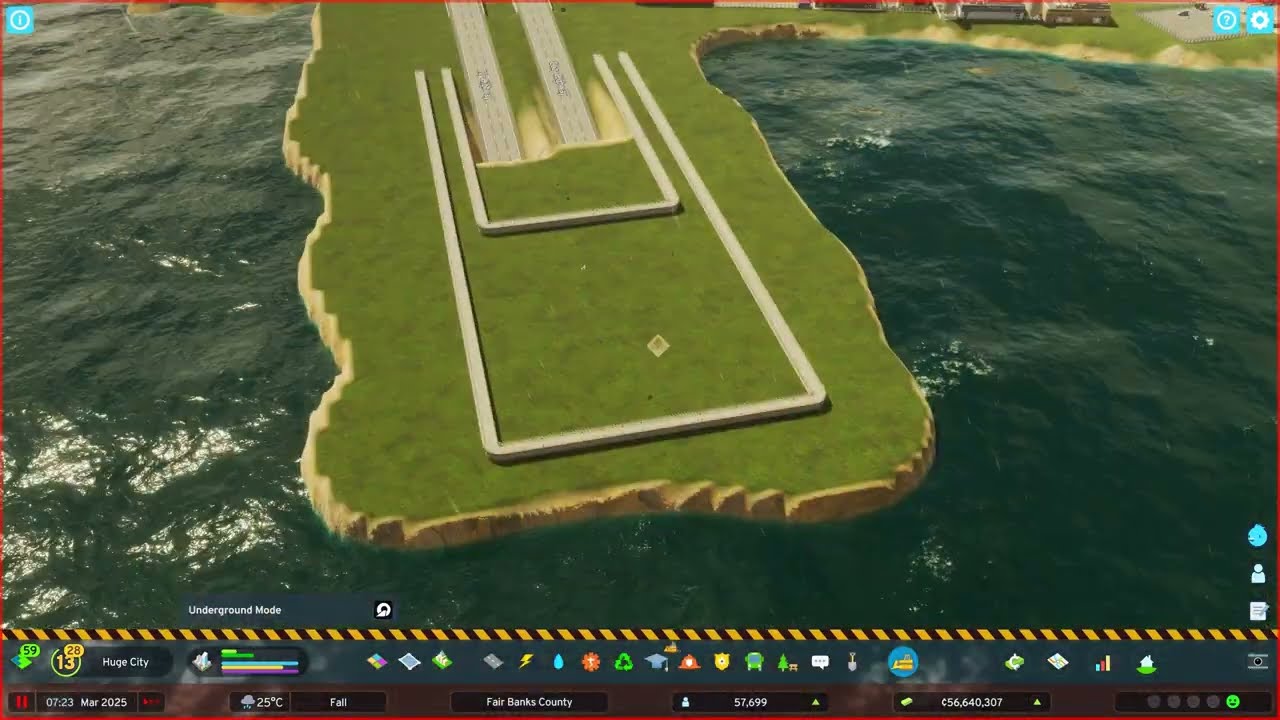
The highway ramps from the last episode looked like straight hills, so they're rebuilt with the slope terrain tool and room for sound barriers. A district with a heavy-traffic ban keeps trucks off one road and routes them into the industrial area; a forgotten forestry block turns out to be the blocker; and a new oil industry strip with its own cargo terminal goes in along the water.
What happens in this episode
The sunken highway from episode 20 is in, but its on- and off-ramps look like straight hills running down to the highway. I understand why the game builds them that way, but I want sloped roads. The farm trees planted last time are still tiny. Episode 21 of Fair Banks County fixes the ramps and the industrial connection.
How it was built
Ramps with the slope tool
All ramps are demolished. The space for good traffic management is tight, with crossings too close together, so obstacles get removed wherever possible. The plan: pick the height and shape the slope with the slope terrain tool first. It worked. The ramps sit lower now, which also leaves room for sound barriers later. A four-lane section needed a distinct slip road, and one ramp had to be rebuilt the other way round after a mistake. The slopes are softened so no dirty rock shows.
Under the bridges
The space under the bridges needs filling, because otherwise it looks ugly. Painting the ground there feels like painting shadows. One stretch is redone with the level terrain tool and given a retaining wall. Bushes and trees are brushed in. The tunnel ride is still a bit wobbly, but cars get through.
Keeping trucks out
The industrial connection was a problem: I wanted trucks to use a specific route into the industrial area, not a residential road. So that area becomes a district with a heavy-traffic ban. It seemed to work at first, but one road turned out to be one-way, and a forestry industry block I’d forgotten about was in the way. Deleting it and laying the road in one stretch fixed it, and the first trucks arrived from the right direction.
An oil industry strip
Along the small waterway, the stretch is now all about oil, with the train line running straight into it. New oil industry goes in with a cargo train terminal. The junction near it is a bit too close to the existing cargo terminal, but a second one doesn’t hurt. The rail connection to it comes next episode. The graphics are a compromise with performance, and a good mix for now.
Video chapters
- 00:00Why the ramps had to change
- 04:13Rebuilding with the slope tool
- 08:27Filling the space under the bridges
- 12:54A wobbly tunnel and a truck ban
- 17:15The forgotten forestry block
- 22:56Oil industry and another cargo terminal
Clicking a chapter starts the video above at that point.
FAQ
How do you make highway ramps look natural?
Shape the terrain first with the slope tool instead of letting the ramp create a straight embankment. Then soften the edges and cover the ground under bridges so it doesn't look like painted shadows.
How do you keep trucks off a road in Cities: Skylines 2?
Put the road in a district and enable the heavy-traffic ban. Trucks then use the route you intend — here into the industrial area — as long as that route is actually connected.
Why weren't trucks using my new industrial road?
A forestry industry block I'd forgotten sat in the way. Removing it and laying the road in one stretch fixed the connection.