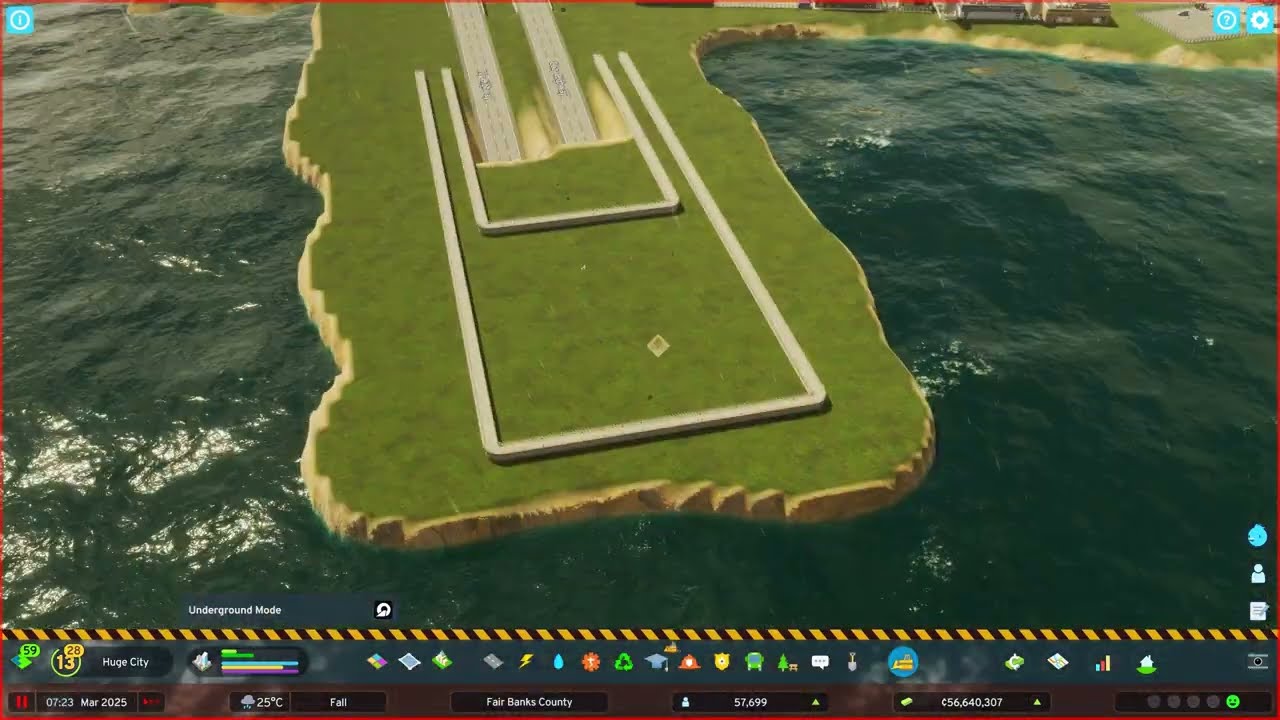
The standout episode of Fair Banks County: the two highway bridges and the rail bridge — 40 to 50 metres high — are demolished and replaced by a highway and train tunnel under the bay. The channel is dug to about 23 m so ships still pass, the slopes are shaped three metres below the shoreline, paths hide the water glitch over the sunken roads, and new shops line the shore.
What happens in this episode
Fair Banks County had a section I never liked: two highway bridges and a railway bridge across the bay, 40 to 50 metres high, which is absurd for a city like this. Convenient for ramps, but ugly. Episode 18 takes them underground. The new residential area from episode 17 has its college, high school and medical clinic. One building collapsed, perhaps because high-density demand wasn’t there yet.
How it was built
Bringing the highway down
The bridges and a few streets (Barlow Lane, Park Lane) are demolished. A three-lane highway comes down to ground level with a slope below 7%, using an offset of two to keep it aligned. Paths serve as a guide, as usual, and one section is raised slightly by about 2.5 m.
A channel for ships
The trick is the terrain. The seabed is dug out around the road so the tunnel sits under the water, with a minimum depth of around 21–23 m so ships can still pass. I’d tested that depth in another game first. Then the banks are pushed out in straight lines, and power cables appear along the way. Roads below sea level show a graphical glitch, with water drawn over the road. It doesn’t affect traffic and never happened in the first game, but it looks ugly.
Shaping the slopes
A tip for natural banks: pick a level about three metres below the shoreline and use a smaller brush to bring it out. A quay wall finishes the edge. Then the moment of truth: the first car drove through the tunnel and came out the other end. Water and sewage pipes needed readjusting. The first ship sailed over the tunnel without any problem, in both directions. No more bridge.
Hiding the glitch, new shops
Decoration came in a time-lapse. The pathways on the surface are deliberately placed to obscure the water glitch over the tunnel. Commercial zones on both sides fill with shops: a toy store and two comic shops (“Treasure Trove Comics”). The city feels completely different without the bridge, and I like it much more. The tunnel became one of the series’ highlights.
Video chapters
- 00:00Why the bridges had to go
- 04:31Bringing the highway down to sea level
- 10:50Digging a 23 m channel for ships
- 20:14Shaping the slopes, the first car through
- 24:44Water, sewage and the first ship
- 33:44Hiding the glitch, new shops
Clicking a chapter starts the video above at that point.
FAQ
How do you build an underwater tunnel in Cities: Skylines 2?
Bring the highway or rail down with a gentle slope (I used about 7%) to ground level, then dig the seabed around it deeper with the landscaping tool so the road ends up below the water. Keep a channel deep enough for ships — around 23 m worked — and connect both ends.
Can ships still pass over the tunnel?
Yes. With the channel about 23 m deep and a slow slope, cargo ships passed in both directions without problems.
Why is there water on top of my tunnel?
It's a graphical glitch with roads below sea level in Cities: Skylines II. Traffic isn't affected. I hid it with pathways and decoration on the surface.