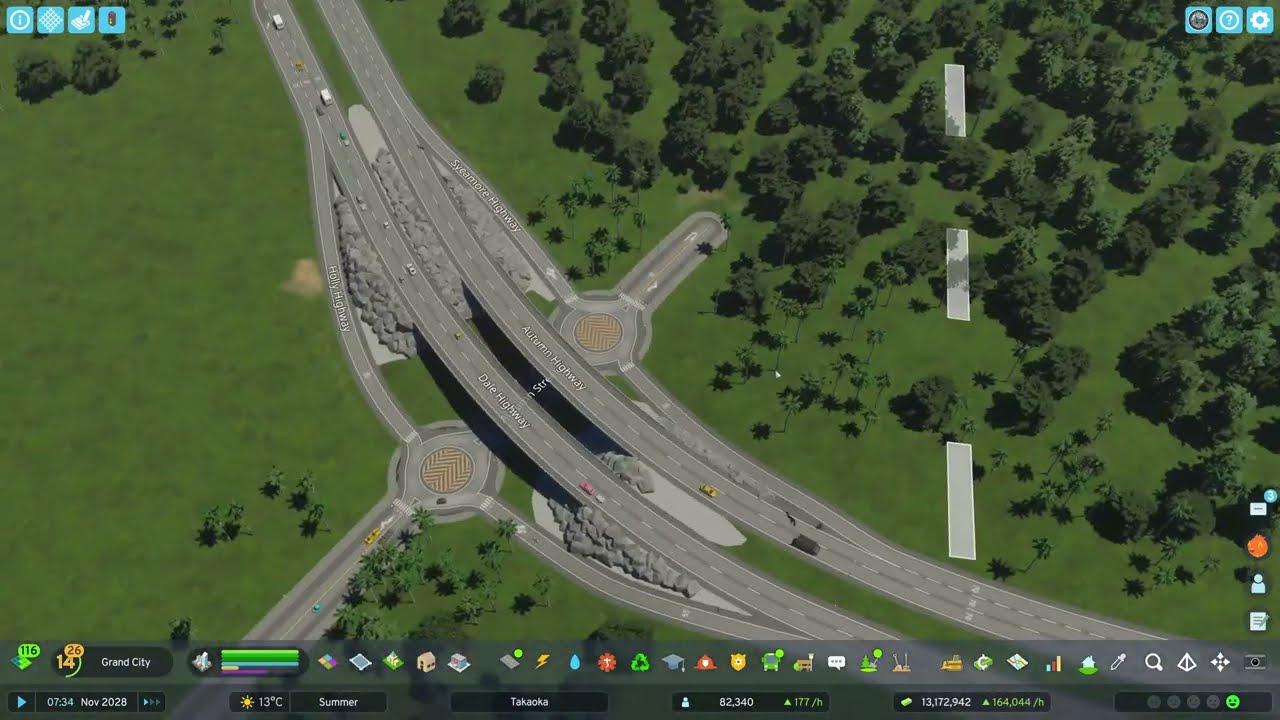
With the harbour ruled out, the polluted former residential area becomes a park with a playground, barbecues and bushes. Then comes a large custom parking area for the industrial district: hand-placed lots, fences, net lanes, parked and dumped cars, trucks and food stalls — plus a community fire station and new offices.
What happens in this episode
Moving the passenger harbour in episode 12 didn’t stop the smog, so the cause is almost certainly the industrial area. In Takaoka, the land where homes used to suffer becomes parkland, and the industrial district finally gets proper parking.
How it was built
A park instead of polluted homes
A small park goes where the residential area struggled with pollution: a resting spot, a playground with a playset and a slide moved apart with Move It, seating, barbecues and bushes, with the Line Tool spacing set to one or two metres, plus a beech texture and wild green bushes to separate everything from the walkways. One oddity: parks need road access even when they sit right next to a footpath. Fences were also much easier to place in the first game.
An industrial parking lot
Next comes a large parking area for the industrial and commercial district. Turning on preview surface in the settings shows a surface before you place it, which helps a lot with large paved areas. Some roads are removed, two bigger industrial lots and commercial parking go in, and the bucket fill closes up the surface.
The first game had extra parking assets you could combine into your own lot. Cities: Skylines II doesn’t, so it’s a compromise: a realistic-looking lot that’s only partly functional. The pedestrian overpasses from the new road options fit nicely, traffic lights go, and the lot is closed off with industrial fences and net lanes. I restarted the game to load my car props: parked and dumped cars and trucks sit there now, like cars waiting to be shipped from the harbour nearby. It turned out the way I wanted.
Food stalls and a fire station
A small square gets food stalls, because an industrial area never has enough of them. A check on city services showed too few fire stations, so a community fire station goes in. Income was around 70k at the time. New offices and businesses keep appearing, and coal mining comes next.
Video chapters
- 00:01The pollution comes from industry
- 04:14A park with playground and barbecues
- 08:22Laying out the industrial parking area
- 17:19Custom parking without parking assets
- 23:36Fences, net lanes and dumped cars
- 30:27Food stalls and a community fire station
Clicking a chapter starts the video above at that point.
FAQ
Can you build custom parking lots in Cities: Skylines 2?
Not like with the parking assets in the first game. I combine in-game parking lots, surfaces, net lanes, fences and placed cars to get a realistic-looking lot, accepting that not every space is functional.
Why does my park need a road connection?
Parks in Cities: Skylines 2 need road access even if they sit next to a footpath. It's one of the small things I hope gets improved.
What's the 'preview surface' setting?
An option that shows a surface area before you place it. It makes laying out large parking or paved areas much easier.